Vectorspace
# Vector Space Controls
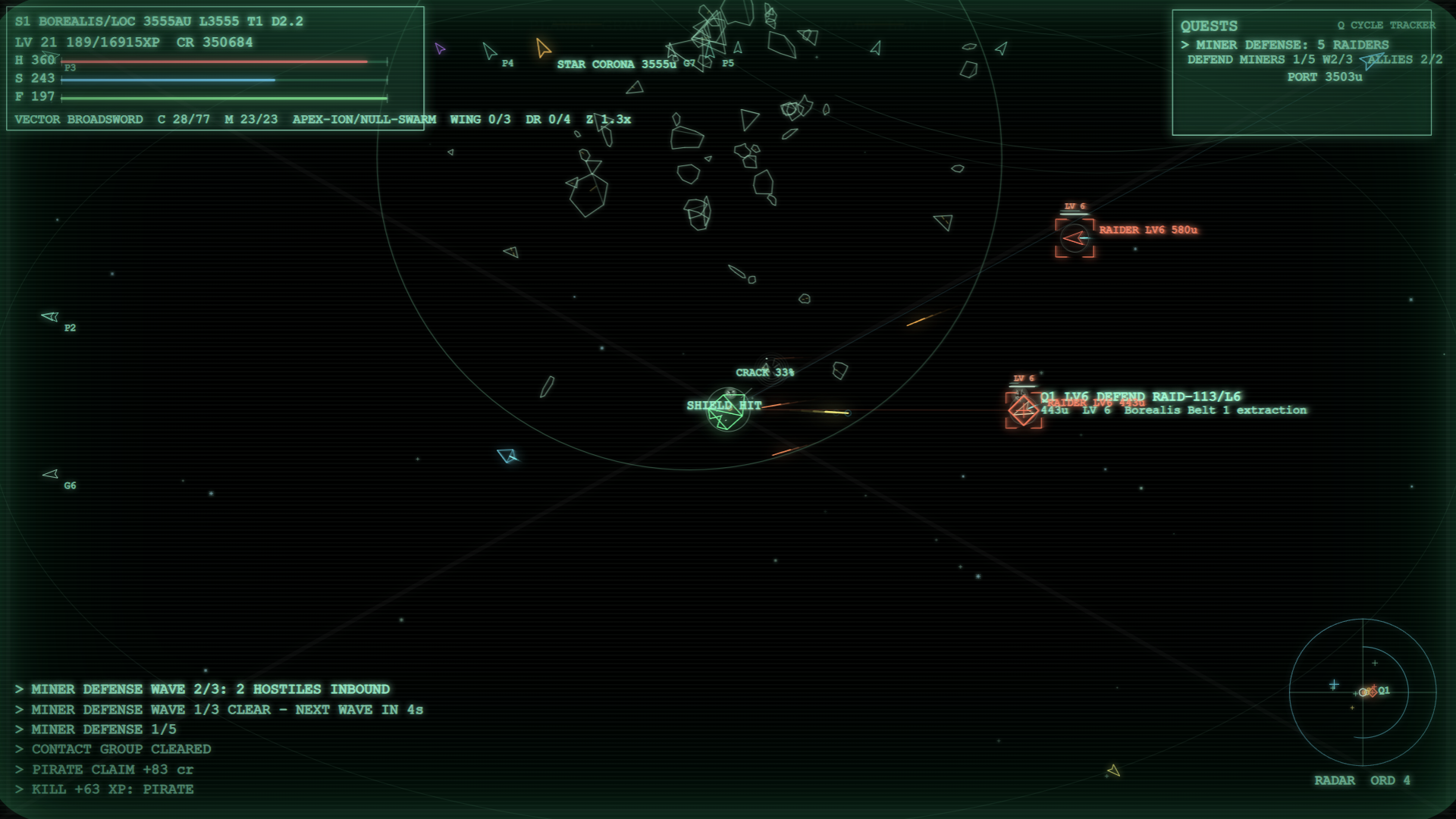
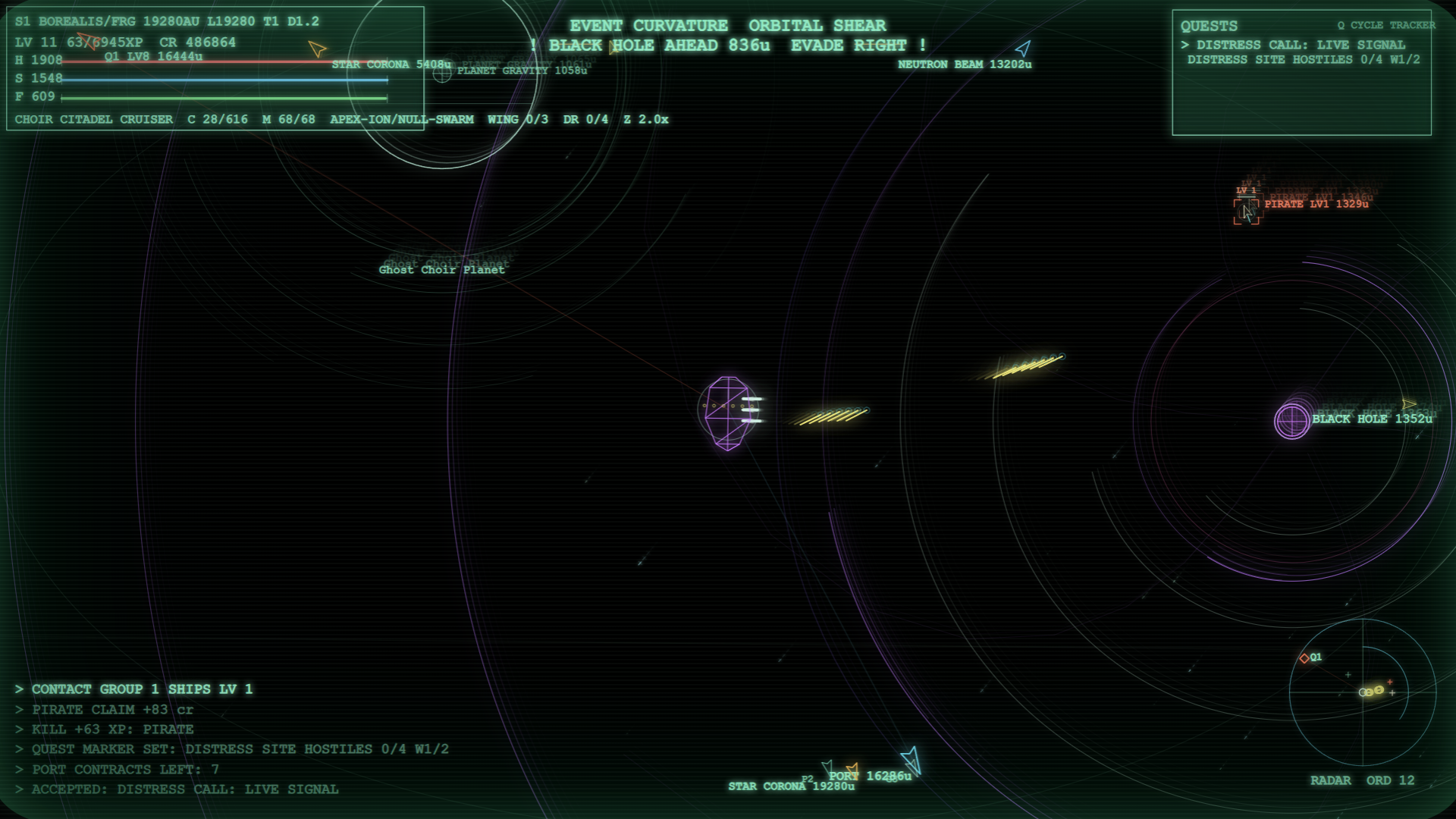
Explore the universe, trade, fight, upgrade, and survive.
## Field Guide
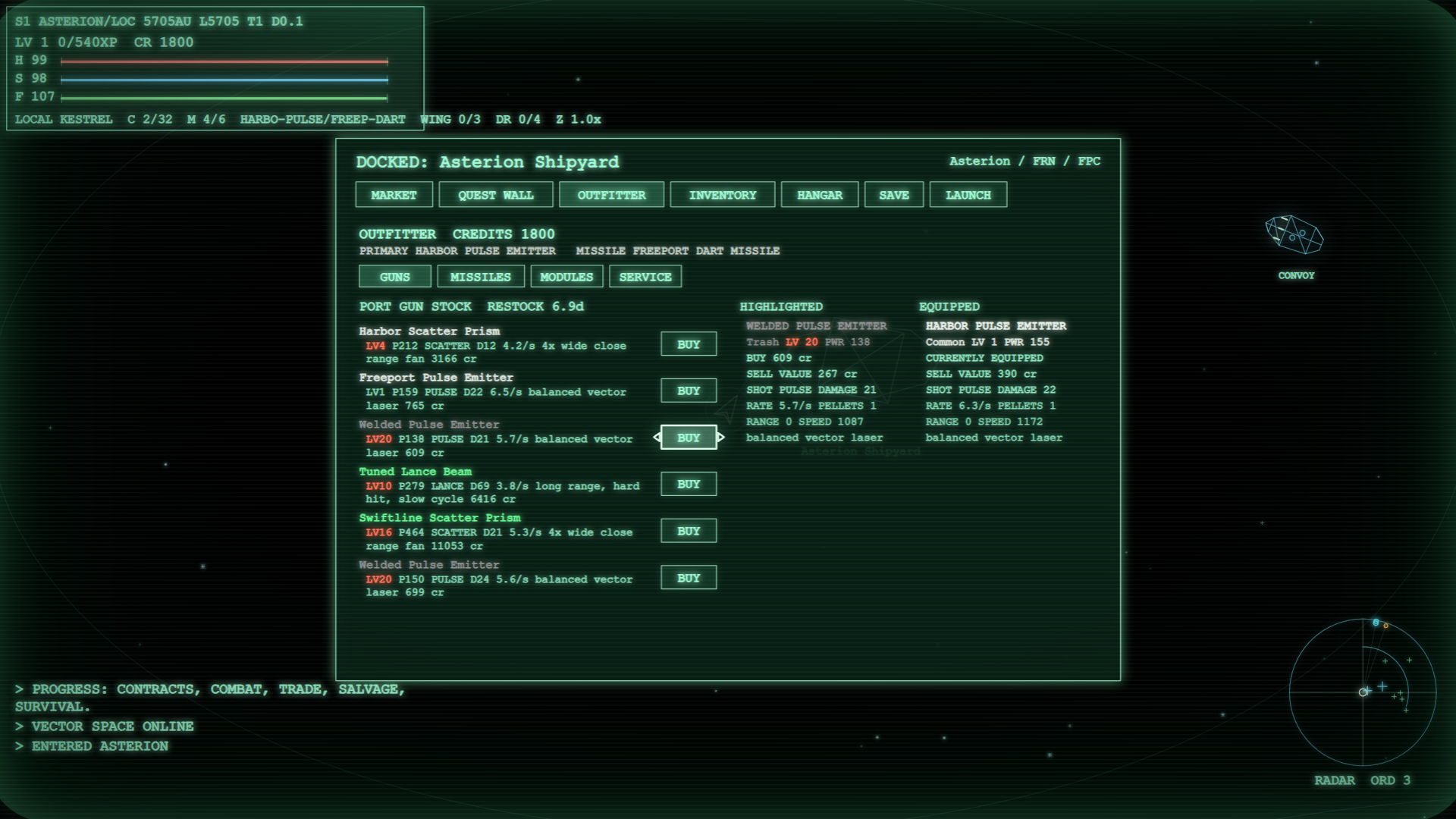
- Dock at ports to buy supplies, trade cargo, browse contracts, and manage inventory.
- Contracts show `QUEST LV` for danger and `REQ LV` for the minimum level to accept.
- HUD `T` is the average local threat, not a hard cap. Stronger contacts can still appear.
- Better weapons, missile systems, modules, and ships take cargo space and can be bought, sold, dropped, or equipped from inventory.
- Shields only begin recharging after you avoid hits for a few seconds, so breaking line of fire matters.
- Distant sectors raise the baseline danger and rewards. Prepare with gear before pushing deep.
## Flight Controls
- `W` / `ArrowUp`: thrust forward
- `S` / `ArrowDown`: reverse thrust
- `A`: strafe left
- `D`: strafe right
- `ArrowLeft` / `ArrowRight`: turn ship
- Mouse movement: aim ship, unless using keyboard/controller turning
- `Space` or left mouse: fire laser
- `Shift` or right mouse: fire missile
- Double-tap `W`, then hold `W`: boost
- Double-tap `S`, then hold `S`: brake
- `E`: dock / use jump gate
- Mouse wheel or `+` / `-`: zoom in/out
- `M`: star map
- `Q`: cycle quest tracker
- `R`: inventory
- `O`: start menu / options
- `H`: toggle help/control text during the first 30 seconds
- `F9`: save
- `F10`: load
- `F11`: browser fullscreen
## Docked / Menu Controls
- Arrow keys: move selection
- `Tab`: next selectable item
- `Enter` / `Space` / `E`: confirm
- `1`-`6`: switch dock tabs
- `Q` or `Esc`: launch / exit dock menu
- `R`: jump to inventory
- `O`: start menu / options
## Controller
- Left stick: thrust / reverse / strafe
- Right stick left/right: turn ship
- Left stick click: boost
- `RT`: laser
- `LT`: missile
- `A`: confirm / dock / jump
- `B`: back / launch
- D-pad or left stick: menu navigation
- `LB` / `RB`: tabs, or zoom in flight
- `Y`: cycle quest tracker
- Start: start menu / options
- Back: map
Leave a comment
Log in with itch.io to leave a comment.